
It is no secret that the cost of living in Australia has been climbing. From the price of a flat white in Melbourne to rental prices in Sydney, everyone is looking for a way to supplement their income. Enter the digital side hustle.
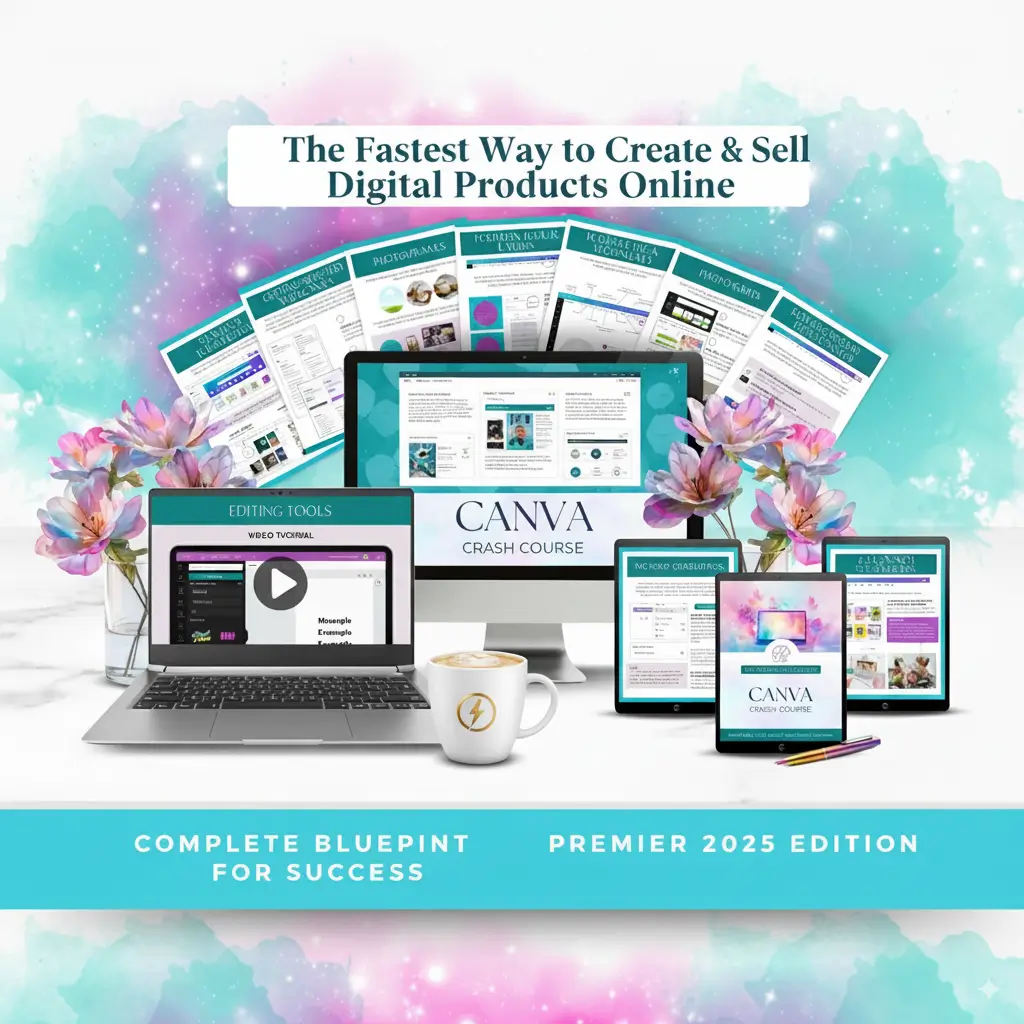
One of the most accessible and profitable avenues right now is selling Canva designs. You don’t need a degree in graphic design, you don’t need expensive Adobe software, and you certainly don’t need to hold physical stock in your garage. Whether you are looking for a comprehensive make money selling Canva designs course or simply want to understand the basics of this business model, this guide is tailored specifically for the Australian market.
Why Canva is a Goldmine for Australian Creators
Canva, the unicorn tech company born right here in Perth, has democratised design. With over 135 million monthly active users, the demand for high-quality, pre-made templates is skyrocketing.
Business owners, teachers, real estate agents, and influencers in Australia are time-poor. They are willing to pay for aesthetic, easy-to-edit templates that save them hours of work. This gap in the market is where you come in.
The Benefits of Selling Digital Products
- Passive Income: Create the design once, and sell it an infinite number of times.
- Low Overheads: No shipping costs (thankfully, given AusPost rates), no inventory, and low startup fees.
- Scalability: You can sell to a global audience while sleeping in Brisbane.
Step 1: Choosing Your Niche – What Selling in Oz?
Before you enroll in any Canva design course, you need to understand the market. While the global market is huge, targeting Australian niches can help you rank faster and build a loyal local following.
High-Demand Niches in Australia
- Real Estate Templates: The Australian property market is competitive. Real estate agents need listing flyers, open house Instagram stories, and ‘Just Sold’ cards.
- Wedding Stationery: Australian brides love a DIY approach to save money. Think ‘Modern Boho’ or ‘Coastal’ themes popular in places like Byron Bay or the Gold Coast.
- Small Business Branding: Café menus, price lists for beauticians, and thank-you cards for Etsy sellers.
- Educational Resources: Teachers in Australia (following the ACARA curriculum) are always looking for worksheets and classroom decor.
Step 2: The Skills You Need (Do You Need a Course?)
Many people ask, “Do I really need to buy a course to learn this?” The answer is yes and no. You can learn Canva basics for free, but a specialised make money selling Canva designs course fast-tracks your success by teaching you the business side of things.
What a Top-Tier Course Should Cover:
If you are looking to invest in education, ensure the course curriculum includes:
- Advanced Canva Features: Understanding layers, grouping, and creating shareable template links (essential for selling).
- Legal & Licensing: Understanding the difference between Free and Pro elements for commercial use (crucial to avoid copyright strikes).
- Platform Setup: How to set up an Etsy shop, Shopify store, or Stan Store tailored for Australian banking and tax settings.
- SEO Strategy: How to write titles and descriptions that get found on Google and Etsy.
Recommendation: Look for courses created by Australian sellers or those that explicitly cover global tax laws, as selling digital goods involves understanding where your customer is located.
Step 3: Creating Your Products
Once you have the skills, it is time to create. Here is the workflow for a successful product launch.
1. Research
Don’t guess what people want. Use tools like eRank or simply search Etsy Australia to see what is trending. Look for gaps. Is everyone doing pink planners? Maybe try a neutral, minimalist aesthetic.
2. Design with the End-User in Mind
When designing in Canva, remember you are making a template.
- Keep it simple to edit.
- Use free fonts and elements so your customer doesn’t need a Canva Pro account to download their design.
- Organise your layers so the template is user-friendly.
3. Generate the Deliverable
You are not sending the customer a JPEG. You are sending them a PDF that contains a link to the Canva template.
- Pro Tip: Brand this PDF! Add your logo, links to your social media, and perhaps a discount code for their next purchase.
Step 4: Where to Sell Your Canva Designs
Etsy Australia
Etsy is the giant of the industry. It has a massive built-in audience.
- Pros: High traffic, easy to set up.
- Cons: Listing fees ($0.20 USD approx $0.30 AUD) and transaction fees.
- Local Tip: Ensure your shop currency is set to AUD to avoid conversion fees on your payouts.
Shopify
Best for building a long-term brand.
- Pros: You own the customer data (email list building), full control over branding.
- Cons: Monthly subscription fee, you must drive your own traffic.
Stan Store / TikTik Integration
Very popular with Aussie creators on TikTok. It allows for a seamless “link in bio” purchase experience.
Step 5: The Boring (But Vital) Aussie Legal Stuff
Disclaimer: I am an AI, not an accountant. Always speak to a professional.
Starting a side hustle in Australia means you are effectively running a business. Here is what you need to keep in mind:
ABN (Australian Business Number)
If you are carrying on an enterprise in Australia, you generally need an ABN. It is free to apply for via the Australian Business Register.
GST (Goods and Services Tax)
You only need to register for GST if your turnover exceeds $75,000 AUD per year. However, if you sell on platforms like Etsy, they often collect and remit GST on digital items automatically for Australian buyers.
Income Tax
Yes, money made from selling Canva templates is taxable income. Keep a spreadsheet of your expenses (Canva Pro subscription, course fees, internet portion) to claim deductions.
Step 6: Marketing Your Designs
You can have the best templates in the world, but if nobody sees them, you won’t make a cent.
Pinterest Marketing
Pinterest is a visual search engine, not just social media. Create ‘Pins’ that showcase your templates in action. Link these directly to your Etsy or Shopify store.
TikTok & Reels
Show the ‘behind the scenes’ of your design process. Australian audiences love authenticity. A video showing “How I made $500 this week selling a wedding invitation template” is highly engaging content.
Email Marketing
Start building an email list from day one. Offer a free mini-template in exchange for an email address. This allows you to market future collections directly to interested buyers without relying on algorithms.
FAQ: Common Questions from Aussie Creators
Q: Do I need Canva Pro to sell templates?
A: While you can design with the free version, having Canva Pro helps you organise your brand kit, resize designs for different platforms, and access better stock photos. Most sellers find it pays for itself quickly.
Q: Can I resell Canva’s own templates?
A: No. This is a major violation of Canva’s terms of service. You must create original designs from scratch. You cannot just take a template from the library, change one colour, and sell it.
Q: How much can I earn?
A: It varies. Some Aussies make a few hundred dollars a month as ‘beer money,’ while others have scaled to six figures by treating it as a full-time business.
Conclusion: Start Your Journey Today
The barrier to entry for selling Canva designs is lower than almost any other business model. With the Australian e-commerce market continuing to grow, now is the perfect time to start.
Whether you choose to self-teach or invest in a comprehensive make money selling Canva designs course, the secret is consistency. Start with one niche, list your first product, and iterate based on feedback.
Ready to turn your creativity into cash? Open Canva, grab a flat white, and get designing, mate!